
Send booking events to your own endpoint
Configure outgoing booking webhooks and verify signed requests from the app.
Outgoing webhooks send booking changes to an endpoint you control, including a Zapier or Make catch hook. Have an HTTPS endpoint ready before enabling delivery.
Add an endpoint
- Open Settings → Webhooks → Outgoing webhooks and turn on Enable outgoing webhooks.
- Click Add endpoint and enter its Endpoint URL.
- Under Events, choose the actions to send: booking created, cancelled, rescheduled, checked in, checked out, or marked no-show.
- Leave Active on, add a Signing secret (optional) if your receiver can verify signatures, then click Save.
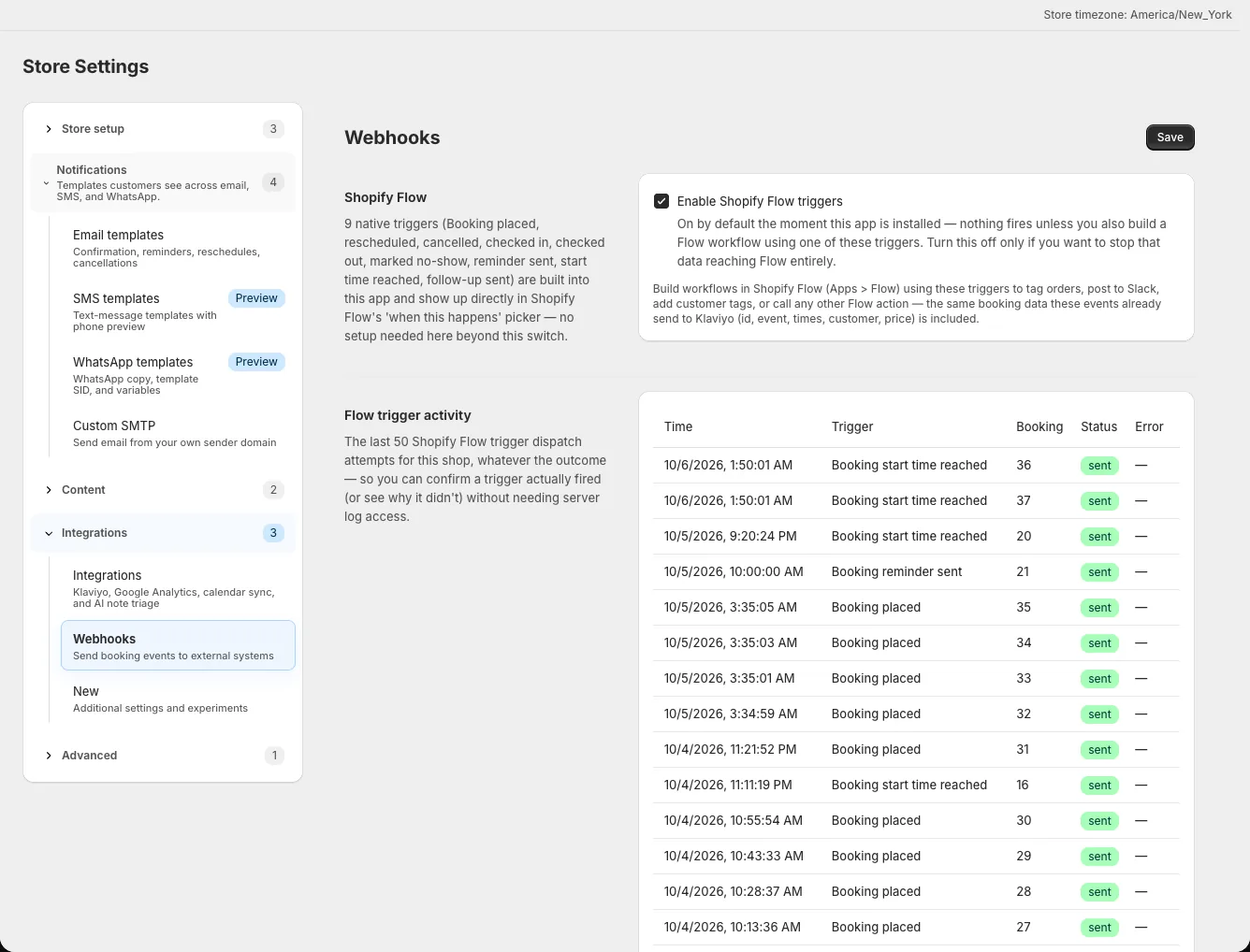
The overall switch and the endpoint's Active setting both matter. Choose only the events your receiver expects. Do not send live customer data to an endpoint you do not control or trust.
Verify a signed request
When a signing secret is set, requests include X-BookingApp-Signature. Compute HMAC-SHA256 over the raw JSON request body using that secret, encode the digest as lowercase hexadecimal, and compare it with the header using a constant-time comparison. Reject a request if the values differ. Parse the JSON only after verifying the signature; re-serializing JSON can change the bytes and break verification.
If you use a hosted catch hook that cannot validate signatures, treat its URL as a private credential and limit who can see it.
Keep the secret safe
The app does not display a saved signing secret. Leave the field blank on later edits to retain it, or enter a new value to rotate it. Update your receiver with the new value when rotating, then send a demo booking event to verify delivery. Keep the endpoint active during the test and inspect your receiver's request log for the selected event. If no request appears, recheck the overall Enable outgoing webhooks switch, the endpoint's Active checkbox, its URL, and the event choices. Shopify Flow triggers are configured separately on the same settings page.