
Install CB Booking and enable the booking widget
Install the Shopify app and enable its app embed on the theme customers actually use.
The app embed lets a configured booking event appear on a Shopify product page. Complete these steps on the theme your customers will see.
Install the app
- Open the CB Booking listing in the Shopify App Store.
- Select Add app and approve the installation in Shopify.
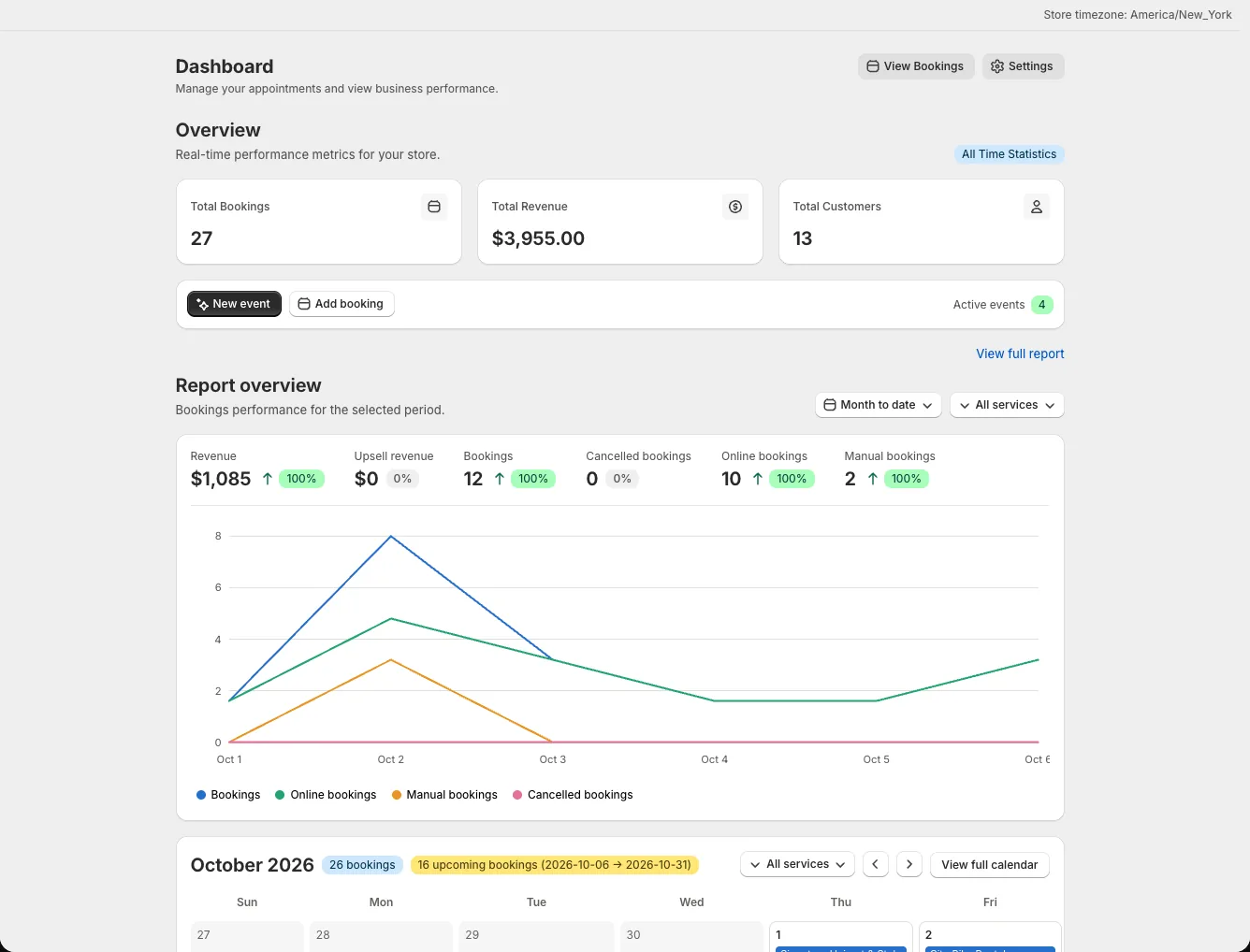
- Open the app's Home dashboard. Use New event to begin setup or Add booking after you have a bookable event.
The Home page also gives you an overview of bookings and a calendar. You still need to create an event or service and connect it to a Shopify product before customers can book.
Turn on the app embed
- In Shopify Admin, open Online Store → Themes.
- Select Customize on the theme that will be published.
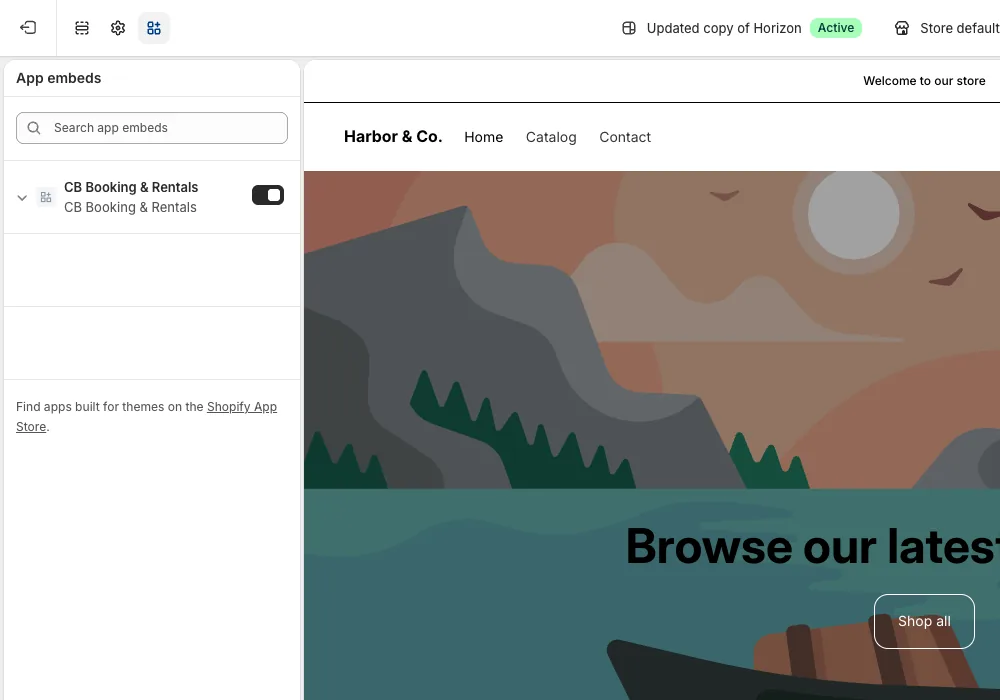
- In the theme editor's left sidebar, select the App embeds icon.
- Turn on CB Booking & Rentals, then select Save.
Check the storefront switch
Open Settings → Theme in the app and make sure Enable Storefront is on. This is a separate app setting from Shopify's theme embed. An enabled embed alone cannot make a draft event or an unpublished product available.
Continue by creating your first event. Once you activate it, inspect the actual product page and complete the go-live checklist.