
Send booking events to Klaviyo
Connect a Klaviyo Private API Key to use booking activity in flows and segments.
The Klaviyo connection sends booking activity to customer profiles so you can build marketing flows around a visit. You need a Klaviyo account and a Private API Key before enabling it.
Connect Klaviyo
- Open Settings → Integrations and find Klaviyo.
- Turn on Enable Klaviyo Integration.
- Paste the Private API Key from your Klaviyo account settings and click Save.
- Create a demo booking and check the matching Klaviyo profile for an incoming event.
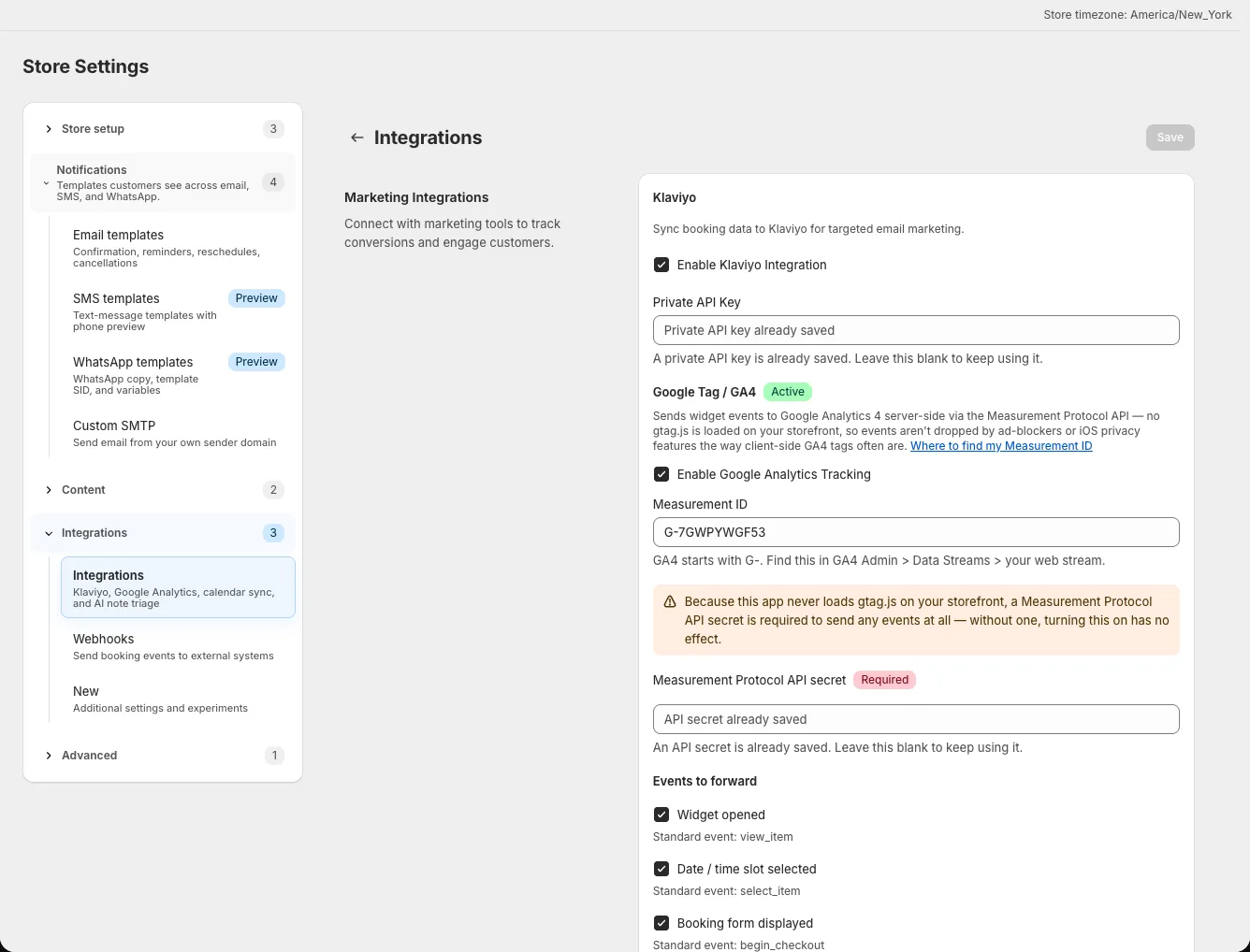
For security, the saved key is not displayed again. Leave the field blank when changing another integration setting to keep the stored key; enter a new key only to replace it. Keep that key out of screenshots or support messages.
Use booking activity
The integration can send these events:
- Booking Placed
- Booking Rescheduled
- Booking Cancelled
- Booking Reminder
- Booking Occurred
- Booking Checked In
- Booking Checked Out
- Booking No-Show
- Booking Follow-up
The app sends these as Klaviyo profile events when the integration is enabled and the corresponding booking action or scheduled milestone occurs. In Klaviyo, use an event on a demo profile to build a flow, for example a follow-up after a visit or an audience of customers who have not booked recently.
A Klaviyo flow is configured in Klaviyo, not in the booking app. You can also disable individual event types in the integration settings. Check the event name and profile fields using a demo booking before sending a campaign. If a flow does not start, first confirm the key, the integration switch, and whether the triggering booking action occurred. Scheduled events such as reminders and follow-ups depend on the booking reaching their configured send time. Check a completed demo booking before basing a campaign on them.