
Analytics
Analytics reports the revenue, orders and discounts on orders that used your offers, and compares average order value with and without offers.
On this page
Read the report
- Go to Analytics.
- Choose the Date range: last 7, 30 or 90 days, or this month (Growth and Pro; the Free plan shows the last 30 days).
- Read the summary:
| Figure | Meaning |
|---|---|
| Revenue with offers | Order totals (including tax and shipping) of orders that used an offer |
| Orders with offers | How many orders used an offer, and their share of all orders |
| AOV with offers | Average order value with offers, compared with orders without offers |
| Discounts given | The discounts allocated to your offers |
| Return on discount | Revenue with offers ÷ discounts given |
- Report byOffer or Code: a table per offer (or per discount code) with orders, revenue, discounts, AOV, the last order and a daily trend. Click Revenue to sort up or down.
Lost-discount check (Growth and Pro)
Kitalo checks that each active offer still has its Shopify discount. If one was deleted in Shopify admin, the page lists it with a link to the offer; open it and switch it back on to recreate the discount.
Export CSV (Pro)
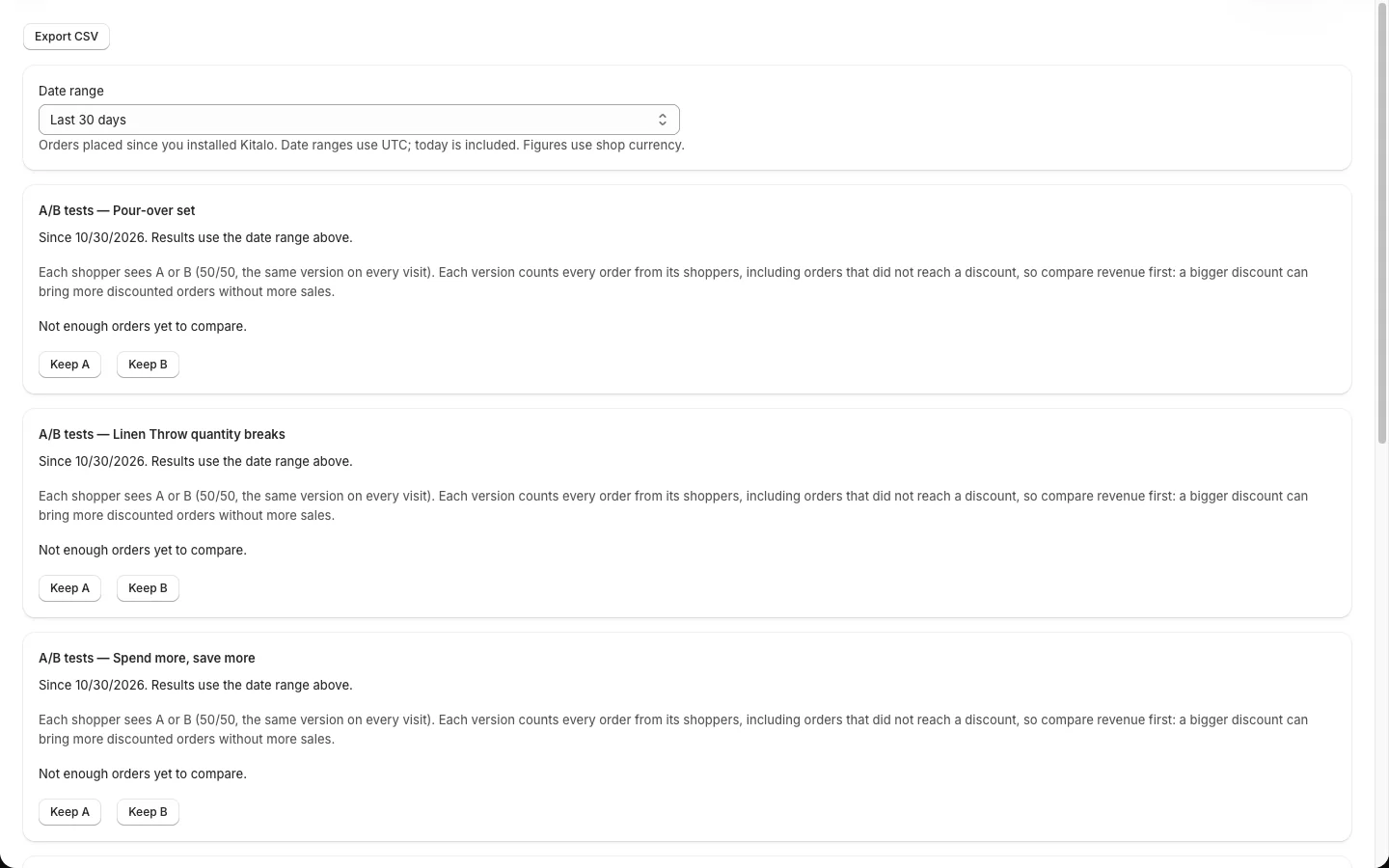
Click Export CSV to download the report for the selected range, including A/B test rows.
A/B tests
Running and finished tests have their own cards. See A/B test an offer.
Good to know
- Figures count orders created after you installed Kitalo, once Shopify approved order access. Earlier orders are not imported.
- Revenue is the full order total, not profit. Refunds are not deducted.
- Date ranges use UTC; today is included. Figures use your shop currency; orders in another shop currency are reported separately.